
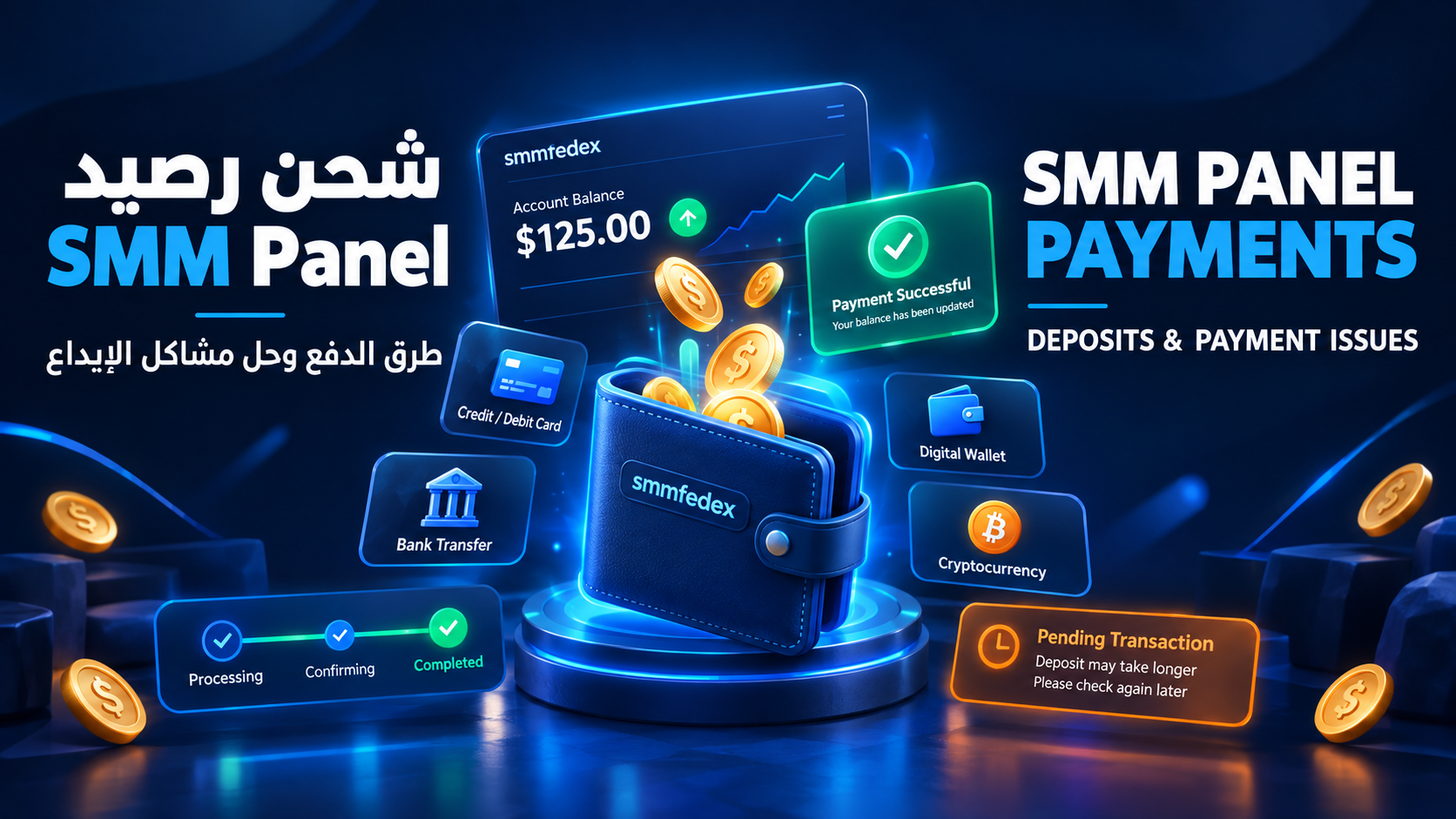
SMM Panel Payment Methods: Deposits and Payment Issues
Choosing a suitable payment method and successfully adding funds are essential steps when using an SMM Panel. Whether you are buying social media services for your own accounts or managing a reseller business, understanding how deposits work can help you avoid payment errors, unnecessary delays, and duplicate transactions.
This guide explains common SMM Panel payment methods, how to add funds to your account, what to do when a deposit fails, and how to resolve situations where money has been deducted but your balance has not been credited.
What Does Adding Funds Mean in an SMM Panel?
Adding funds means depositing money into your account balance so you can purchase the services available through an SMM Panel.
The process usually follows these steps:
Log in to your SMM Panel account.
Open the Add Funds or Deposit page.
Choose an available payment method.
Enter the deposit amount and follow the payment instructions.
Wait for the transaction to be confirmed and your balance to update.
Use the available balance to place orders.
The exact process, minimum deposit, processing time, and payment fees depend on the platform and the payment provider. Always review the instructions displayed in your account before making a payment.
Common SMM Panel Payment Methods
Not every SMM Panel supports the same payment options. Available methods depend on the platform, your country, the supported currency, and the payment providers used by the service.
1. Credit and Debit Cards
Some SMM Panels accept credit and debit cards through their payment gateways.
Before paying with a card, check the following:
Your card is enabled for online transactions.
International payments are permitted if required.
Your available balance or credit limit is sufficient.
Your bank has not blocked the transaction for security reasons.
If the payment is declined, review the message provided by your bank or contact the card issuer to identify the reason before trying again.
2. Digital Wallets and Local Payment Methods
Some platforms support digital wallets or local payment services designed for specific countries and regions.
Before transferring money, confirm that the payment method is officially supported by the panel. Check the recipient details, payment amount, and any additional instructions carefully.
Avoid sending money to personal accounts or wallet addresses that are not listed in the platform's official payment instructions.
3. Bank Transfers
Certain SMM Panels allow users to deposit funds through bank transfers.
Processing times can vary depending on the banks involved and whether the deposit requires manual verification. Keep your transfer receipt and transaction reference until the funds appear in your account.
If the panel requires you to submit proof of payment, follow its official instructions and provide only the information necessary to identify the transaction.
4. Cryptocurrency Payments
Some SMM Panels accept selected cryptocurrencies, although this option is not available on every platform.
Before making a crypto deposit, verify:
The supported cryptocurrency.
The required blockchain network.
The correct deposit address.
The minimum deposit amount.
Any network or processing fees.
The number of confirmations required.
The platform's policy for incorrect or incomplete transfers.
Sending funds to the wrong address or using an unsupported network can result in permanent loss. Blockchain transactions are generally irreversible, so verify all details before confirming the transfer.
5. Other Online Payment Options
Some platforms offer additional online payment gateways or region-specific payment services.
Availability varies, so do not assume that a payment option supported by another SMM Panel will also work on your chosen platform. The official Add Funds page is the best place to check currently available methods.
How to Add Funds to an SMM Panel
Follow these steps to complete a deposit safely.
Step 1: Log in to your account
Visit the official website and sign in to your account. Check the domain carefully to avoid fake websites or misleading payment links.
Step 2: Open the Add Funds page
Look for an option labeled Add Funds, Deposit, or a similar term in your account dashboard.
Step 3: Select a payment method
Review the available options, minimum and maximum deposit limits, possible fees, and any method-specific requirements.
Step 4: Enter your deposit amount
Choose an amount that matches your needs. If you are testing a new platform, consider starting with a small deposit rather than transferring a large amount immediately.
Step 5: Complete the payment
Follow the official payment instructions. If you are redirected to an external payment gateway, verify the destination and make sure it is legitimate before entering sensitive information.
Step 6: Verify your account balance
After completing the payment, return to your dashboard and check your balance and deposit history.
A successful payment message from your bank does not always mean the funds have already been credited to your SMM Panel account. Confirm that the deposit is recorded in the panel itself.
Why Has My SMM Panel Deposit Not Been Credited?
Several issues can prevent a deposit from appearing in your account. The correct solution depends on the transaction status and payment method.
Money Was Deducted but the Balance Did Not Update
This may happen because the transaction is still being processed, the payment confirmation has not reached the panel, or the deposit requires manual review.
To resolve the issue:
Check your deposit history in the SMM Panel.
Review the transaction status with your bank or payment provider.
Save the payment receipt and transaction reference.
Contact the panel's official support team.
Ask the team to investigate the transaction before attempting another payment.
Do not repeat the payment immediately. The original transaction may still be pending, and another attempt could result in a duplicate charge.
The Payment Was Declined
A payment may be declined because of insufficient funds, incorrect details, card restrictions, security checks, or unsupported payment methods.
Review the information you entered and contact your bank or payment provider if necessary. If the panel supports another official payment method, you may consider using it after confirming that the first transaction did not go through.
The Deposit Status Is Pending
A Pending status generally means that the transaction has not been fully processed or confirmed. Its exact meaning depends on the panel and payment provider.
Wait for the processing period stated in the payment instructions. If the transaction remains pending beyond that period, contact support with the transaction reference instead of submitting another deposit.
The Deposit Was Sent Through the Wrong Crypto Network
If you sent cryptocurrency through an unsupported network or to an incorrect address, contact the receiving platform as soon as possible and provide the transaction details.
Recovery depends on the receiving service, the network used, and whether the platform can access the funds. There is no guarantee that an incorrect transfer can be recovered.
What Information Should You Send to Support?
When contacting SMM Panel support about a deposit problem, provide enough information to help the team identify the transaction.
Useful details include:
Your SMM Panel username.
The deposit amount and currency.
The approximate payment date and time.
The payment method used.
The transaction ID or payment reference.
The current deposit status.
A payment receipt or screenshot, with unnecessary sensitive information hidden.
Never send your account password, one-time verification codes, card PIN, or private cryptocurrency wallet keys. Support should not need these details to investigate a normal deposit.
Deposit Support Message Template
Subject: Deposit Not Credited to My SMM Panel Account
Hello Support Team,
I completed a deposit, but the funds have not appeared in my account yet.
Username: [Your username]
Deposit amount: [Amount and currency]
Payment method: [Payment method]
Transaction reference: [Transaction ID]
Payment date: [Date and time]
Current deposit status: [Status]
Could you please check the transaction and let me know if any additional information is required?
Thank you.
Best Practices for Managing SMM Panel Deposits
If you use an SMM Panel regularly or manage orders for clients, good payment practices can help you avoid accounting errors and unnecessary disputes.
Start with a Small Deposit
When testing a new platform, begin with an amount you can afford to have temporarily unavailable. Confirm that the payment process works and the balance is credited correctly before making larger deposits.
Check Deposit Fees
Payment gateways, banks, and blockchain networks may charge processing or transfer fees. Review the final amount before confirming the transaction and check how much will actually be added to your panel balance.
Keep Transaction Records
Maintain a record of deposit amounts, dates, payment references, fees, and credited balances. This is especially useful for resellers and businesses managing multiple client accounts.
Review the Refund Policy
A deposit is not necessarily refundable just because you no longer need the balance. Refund eligibility depends on the panel's terms, the payment method, applicable laws, and the circumstances of the transaction.
Read the platform's refund policy before depositing money.
Use Official Payment Channels
Only use payment methods and account details provided through the platform's official website or verified support channels. Be cautious of unofficial offers that promise faster deposits or guaranteed refunds.
Separate Client Funds and Records
If you manage SMM services for multiple clients, maintain separate records for each client's deposits, service costs, and orders. This makes reconciliation easier and helps prevent disputes about account balances.
How to Choose an SMM Panel with Reliable Payment Options
Payment flexibility is useful, but it should not be the only factor when choosing an SMM Panel.
Evaluate the following:
Payment transparency: Are fees, deposit limits, and processing conditions clearly explained?
Supported methods: Can you use a payment option suitable for your country and currency?
Transaction history: Can you review previous deposits and their statuses?
Processing information: Does the platform explain expected deposit processing times?
Customer support: Is there a clear way to report failed or delayed transactions?
Refund terms: Are the conditions for eligible refunds explained?
Platform transparency: Are the service terms and account policies easy to find?
If you operate an SMM Panel or resell social media services, clearly explain the supported payment methods, fees, minimum deposits, and expected processing times to your customers before they pay.
Frequently Asked Questions About SMM Panel Payments
What does Add Funds mean in an SMM Panel?
Add Funds is the process of depositing money into your SMM Panel account balance. You can then use the available balance to purchase supported services.
How long does an SMM Panel deposit take?
Processing times depend on the payment method, payment provider, and platform verification process. Some deposits may be credited quickly, while bank transfers or manually reviewed transactions may take longer.
Check the expected processing time shown on the platform.
What should I do if money was deducted but my balance was not credited?
Check your deposit history and payment status first. Then contact official support with your transaction reference and proof of payment. Avoid making another payment until the original transaction has been investigated.
Can I add funds to an SMM Panel without a bank card?
Possibly. Some panels support digital wallets, bank transfers, cryptocurrency, or local payment services. The available alternatives depend on the platform and your location.
Are there fees for adding funds to an SMM Panel?
There may be payment processing, bank transfer, currency conversion, or blockchain network fees. Check the payment details before confirming the deposit.
Can I get a refund for my SMM Panel balance?
Refund eligibility depends on the platform's refund policy, the payment method, and the applicable terms. Not every deposit or unused balance is automatically refundable.
Review the platform's SMM Panel Refund Policy before making a deposit.
Can resellers use one SMM Panel balance for multiple clients?
Some panels allow users to place multiple orders from one account balance. Resellers should maintain separate client records to track deposits, order costs, and remaining balances accurately.
Final Thoughts
Understanding SMM Panel payment methods and deposit procedures can help you manage your account more effectively and reduce avoidable payment issues.
Before adding funds, check the supported payment options, fees, and deposit conditions. After completing a payment, verify that the transaction appears in your deposit history and that your account balance has been updated.
If a deposit is delayed or fails, keep the transaction reference and contact official support before attempting another payment. A careful approach helps protect your funds and makes managing SMM Panel services more predictable.